WoW Forever News · launch · settings · discord · gamepad
Check these WoW Forever settings before your first quest: language, preset, Discord and gamepad
On launch night Blizzard asked WoW Forever players to check their language and social settings and relog if they are wrong. The same Options menu holds three other day-one choices: the Classic or Enhanced experience preset, Discord account linking that mirrors guild chat, and gamepad mode, which is in beta and still needs a keyboard for chat.
By the WoW Forever Builds News Desk ·
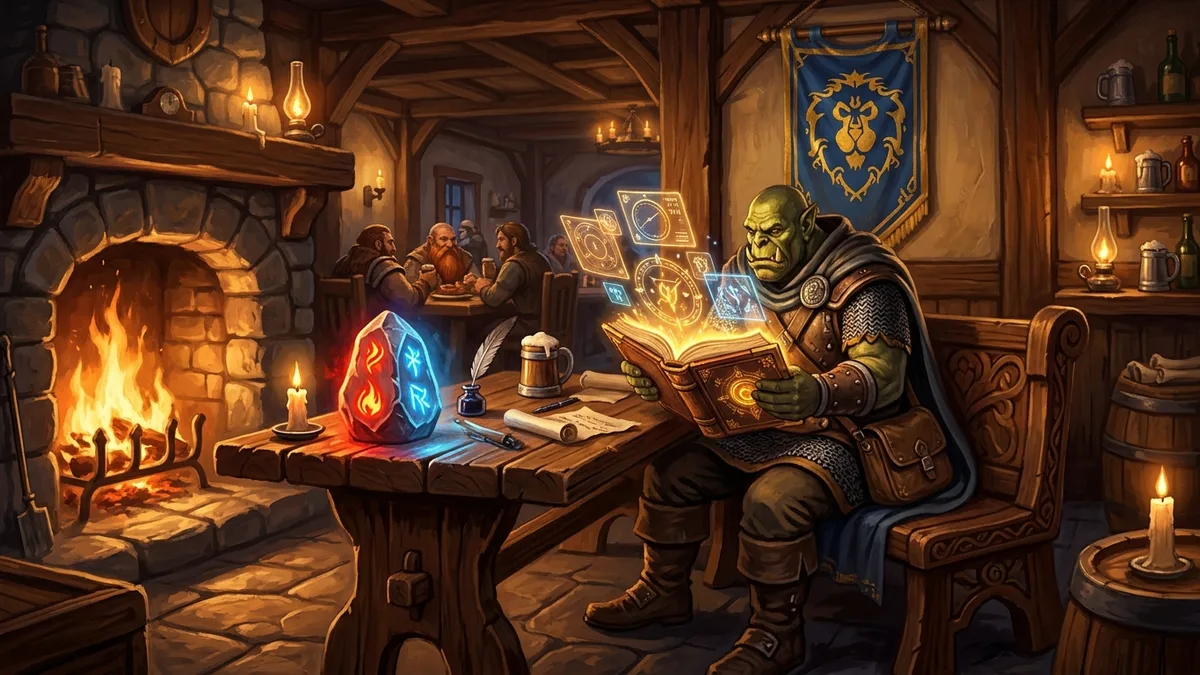
A few hours after launch, Blizzard’s Kaivax posted a short request on the forums: check your language and social settings before you get going. A few of the Options screens are worth a look on your first login, and this is the list.
None of these change your character or ruleset. They decide how the game looks and talks to you, so it is easier to set them once now than to fix them halfway through the Barrens. For the rest of your first hour, see our launch checklist.
1. Language and social settings
Kaivax’s post points at the language and social settings in the game’s Options. If any of them is not set to your language, change it, then log out and back in. The change only fully applies after that relog. If chat, channels or text looked odd on launch night, this is the first thing to check.
2. Classic or Enhanced preset
WoW Forever starts you on one of two Experience Presets. They change what the game looks like and which helpers are on. They have nothing to do with your ruleset.
- Classic starts with standard-definition character models, the classic screen layout and keyboard camera turning. Quest guidance, the one-bag view and transmog are off.
- Enhanced turns on the conveniences players know from the modern game.
You are not locked into either one. Every single setting can still be changed under Game Menu > Options. Blizzard also points to the Advanced options, where the Cooldown Manager and a built-in Damage Meter live, if you want more combat information without addons. If you do want addons, our addon list shows which ones work in Forever.
3. Discord guild chat
WoW Forever shares the modern game’s Discord linking. In Options > Social, choose Enable Discord Functionality, then confirm the link in Discord. Be logged into Discord first.
Once a guild is linked to a Discord channel, guild chat runs both ways: you can talk to guildmates from Discord while you are out of the game. Every message shows whether it came from Discord or from in game. A few things to know:
- The Discord server’s admins first have to give the right channel permissions. After that, the guild leader or an officer with permission finishes the link from inside WoW.
- You pick which character name shows on messages that come from Discord.
- Guild leaders can send Discord messages into normal /guild chat or into a separate /discord channel.
- If a guildmate has not linked their own account, their in-game messages do not show in the Discord channel.
For a new guild this is the quickest way to keep everyone talking during launch week.
4. Gamepad mode
WoW Forever supports any XInput controller and shows Xbox or PlayStation button icons. To switch, go to Game Menu > Options > Gameplay > Gamepad. There you can also adjust the camera, the HUD modifier, frame focus, action bars and targeting.
The gamepad HUD has four action bars. Hold LT, RT or both to switch between them. You get three sets of bars: hold LB + RB and press left or right on the D-pad to change sets. That makes 84 ability slots in total, which is plenty for any class at 60. On controllers with lights, the light turns red for Horde and blue for Alliance.
Gamepad support is officially in beta. Some screens do not have gamepad hints yet, and you still need a keyboard to type in chat. Blizzard says a fully keyboard-free game is the long-term goal.
Sources
- WoW: Forever—What’s New and What Feels FamiliarBlizzard Entertainment · Nov 3, 2026
- Explore WoW: Forever with a GamepadBlizzard Entertainment · Nov 3, 2026
- Stay Connected in World of Warcraft with DiscordBlizzard Entertainment · Nov 4, 2026
- Language and Social SettingsOfficial WoW Forever forums (EU) · Nov 4, 2026
How this article was made: drafted with AI from the sources listed above, then checked and edited by the WoW Forever Builds team before publishing. WoW Forever Builds is a fan site and not affiliated with Blizzard Entertainment.